1. Download
Find our titles on your favorite digital storefronts. Installation is fast, and our games are optimized to run smoothly on a wide range of hardware.
Jump right into the action. Learn how to set up your lobby and find the best ways to enjoy our titles with your crew.
Start Playing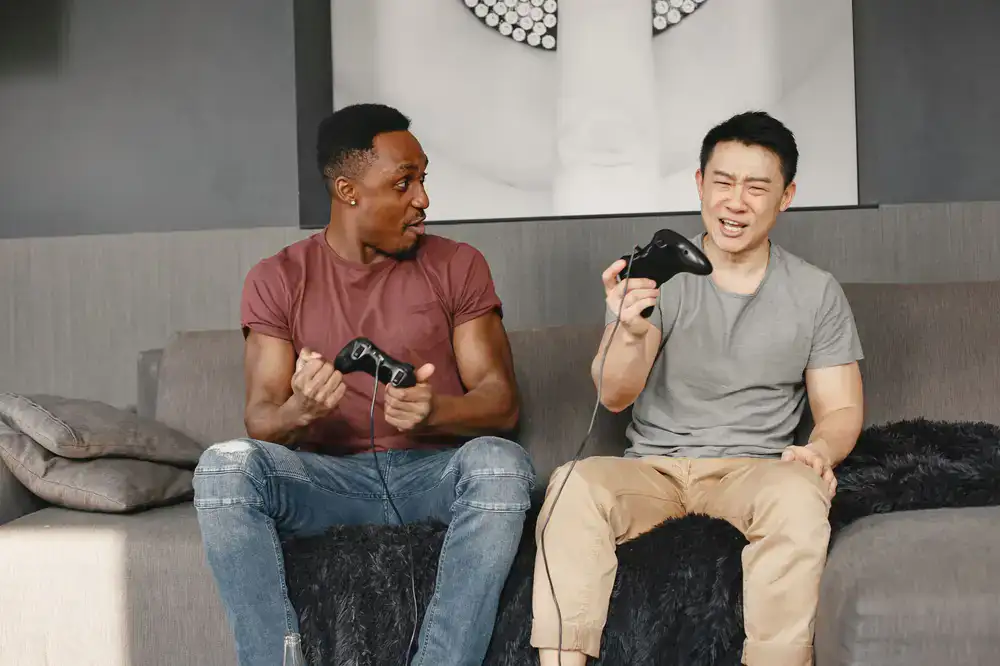

Our most popular frantic brawler. Grab up to three friends, dodge the laser traps, and fight for the golden noodle bowl in our highly competitive arena mode.
Getting into the game is incredibly simple. We believe in zero friction between you and the fun.
Find our titles on your favorite digital storefronts. Installation is fast, and our games are optimized to run smoothly on a wide range of hardware.
Connect extra controllers for a classic couch session, or share your lobby code to easily invite friends online. We support seamless cross-play.
Jump into quick matches or embark on story campaigns. The controls are intuitive, so even first-time players can start having fun immediately.
Local multiplayer is in our studio's DNA. We design every level, power-up, and character to maximize the hilarious interactions between players.
Everything you need to know before you start a session.
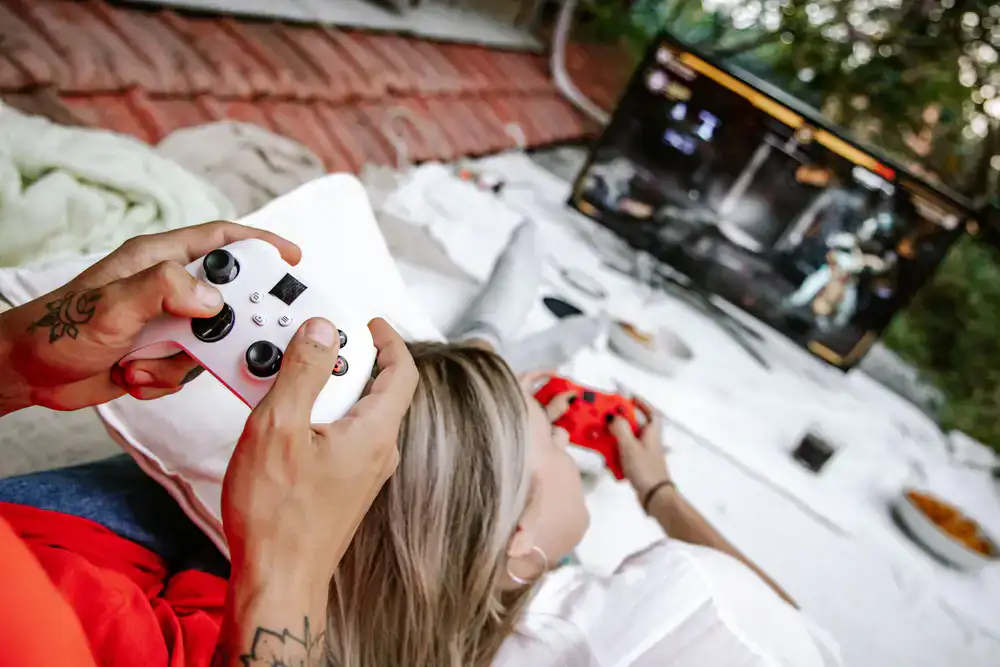
While our games are optimized for gamepads to deliver the best couch co-op experience, all our PC titles fully support keyboard and mouse setups. You can even mix and match control schemes in the same local lobby.
Our newer titles feature an easy lobby code system. Simply host a game, share the 6-digit code with your friends, and they can join your lobby regardless of which platform they are playing on.
We know connections can drop. Our games feature AI takeover, meaning an AI companion will seamlessly take control of a disconnected player's character until they can rejoin the session.
If you're having trouble getting into a game, connecting controllers, or finding a lobby, our support team is ready to assist.